Add a shadow to a photo A natural shadow, right underneath.
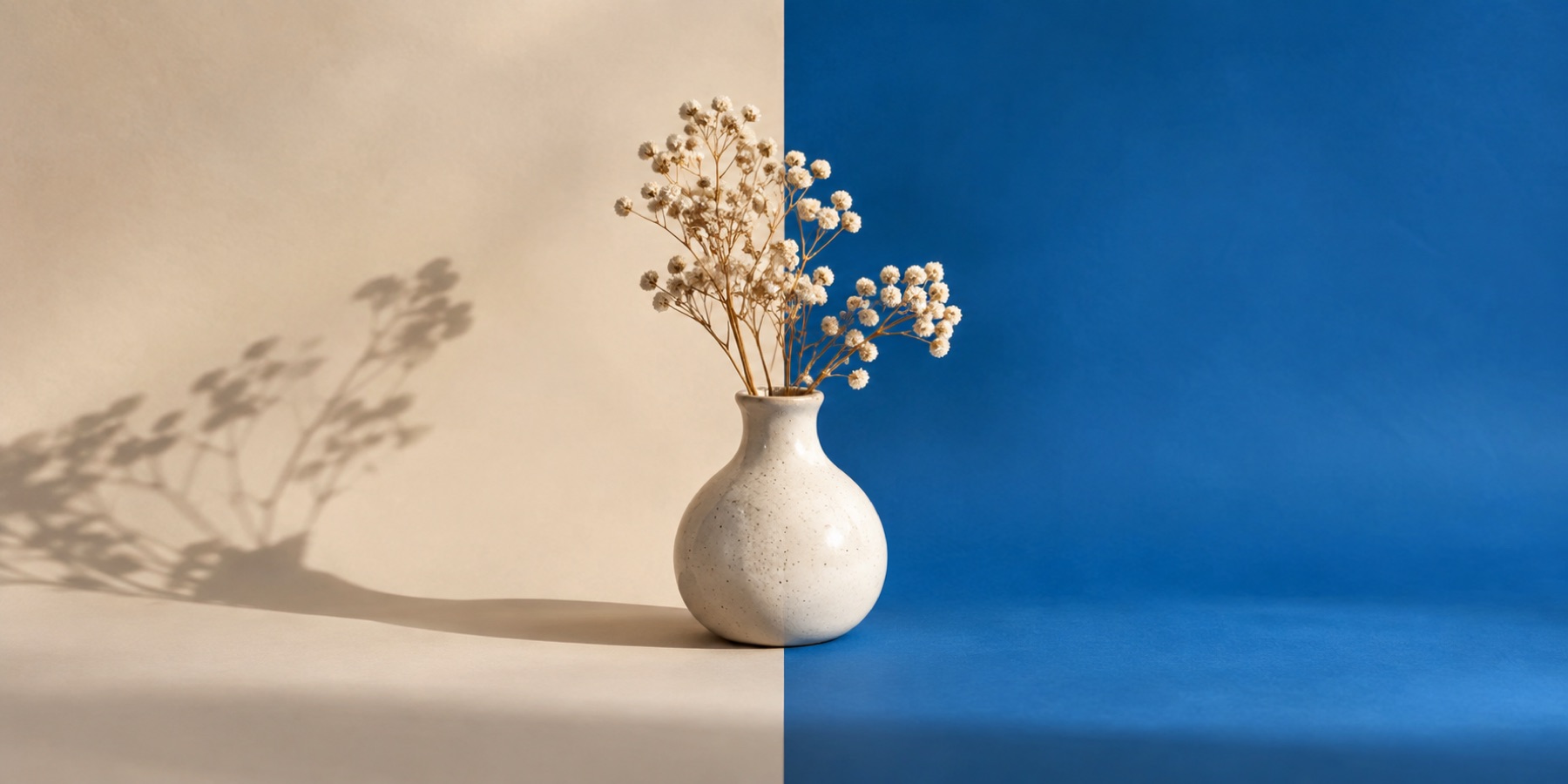
Soft contact, drop or cast shadows that sit your subject down.

or drop it here · paste with Ctrl+V
Free · No sign-up · Photos stay on your device
Works with JPG, PNG, WebP, HEIC from an iPhone, GIF and BMP.
Opens with a contact shadow on and the shadow controls unfolded: a soft ellipse under the subject's base, a drop shadow of its silhouette, or a cast shadow laid on the floor away from a light you aim.
What this mode does
A subject on a new ground looks pasted most often because nothing anchors it. This mode opens with a contact shadow already on — the dark band where an object meets the floor — and the shadow panel open so you can judge it against the new ground.
The cast shadow is the one that sells a scene with a visible light. Aim the light with the angle slider; the shadow falls the other way, lies down on the floor plane behind the subject, gets softer and fainter the further it is from the feet, and its length follows the slider.
Steps
- Open the photographA subject standing on something — a product on a table, a person to the knees — gives a shadow somewhere to start.
- Pick the shadow kindContact for anything resting on a surface, drop for a product lifted off a sweep, cast for a scene with a light coming from one side.
- Set depth and softnessShadows in soft light are faint and wide; under a hard light they are darker and crisper.
- Match the light and saveAim a cast shadow away from the brightest side of the backdrop, then save.
Contact, drop or cast
Contact is the safe default: it is always under the subject and needs no idea of where the light is. Drop suits product shots on a plain sweep, where a lifted, floating look is wanted.
Cast is the most convincing and the easiest to get wrong. If the backdrop's light comes from the left, the shadow must fall to the right — a cast shadow pointing toward the light is worse than none.
What it cannot do
- The shadow is computed from the subject's outline, not from its three-dimensional shape, so it is a convincing approximation rather than a physical one.
- There is no automatic light-direction estimate in this version; the arrow is set by you.
- A subject cut off by the frame's lower edge has no feet to start a cast shadow from; the shadow starts at the cut.
Questions about add shadow to photo
Which shadow makes a product look natural on white?
A low contact shadow — depth around 20 to 30 per cent, softness high. It reads as the product resting on a surface without darkening the white ground much.
How do I make the shadow go the other way?
For a cast shadow, move 'Light from' to the other side; the arrow shows the light and the shadow falls opposite. For a drop shadow, change the offsets.
Can I add a shadow to a transparent PNG?
Yes. Turn on No ground and the shadow is written as semi-transparent pixels, so it darkens whatever the PNG is placed on.
Why does the receipt say the ground is not one value?
Because a shadow darkens the ground under and beside the subject on purpose. If a form or marketplace wants every ground pixel at one value, switch the shadow off.
Is anything uploaded?
No. The shadow is arithmetic over the outline in this tab.
Related
- Product photo backgroundPure white, a listing square, Fit to 85% and a receipt that checks the fill.
- Studio backgroundsTwelve seamless studio grounds, previewed with your own subject and matched for light and shadow.
- Use your own backdropChoose a second photograph, cover-crop it behind the subject and keep the same repairable edge.
- Why a swapped background looks fakeFour giveaways, each with the control that fixes it.
The image you open is read by this page and by nothing else — there is no server behind this domain that could receive it, the outline is worked out inside your own browser either by arithmetic or by an on-device model, and if you ask for a model it is the model that is downloaded to you rather than your photo being sent to it.