Background images to put behind your photo Forty-eight backgrounds, ready to try.
Wood, paper, plaster, sky and soft lights, on your own photo.

or drop it here · paste with Ctrl+V
Free · No sign-up · Photos stay on your device
Works with JPG, PNG, WebP, HEIC from an iPhone, GIF and BMP.
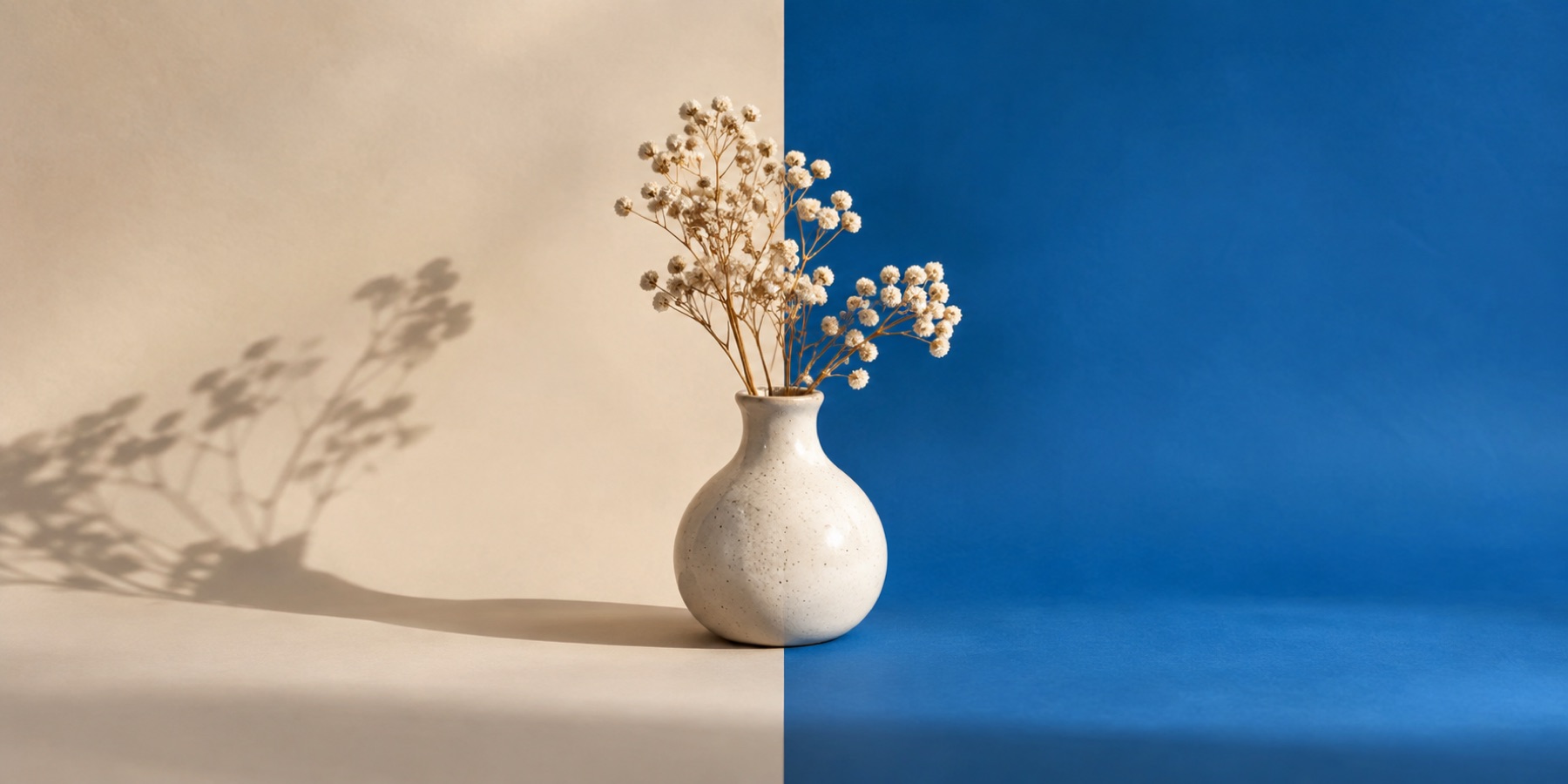
Forty-eight backdrops in seven sets — paper, plaster, wood, fabric, soft interiors, outdoors and graphic fields — each shown with your own subject in front of it before you choose. All drawn for this site and served from it.
What this mode does
This mode opens on the Background layer with the library showing. Every tile is rendered with your own subject in front of it, so you choose by how the pair looks, not by how the empty backdrop looks.
Choosing a tile fetches its full 1920 × 1280 file from this site and places it behind the subject, cover-fitted. From there it behaves like any backdrop photograph: pan and zoom it on the canvas, soften it to read as depth of field, or flip it so its light falls from the same side as the subject's.
Steps
- Open the photographThe library appears on the Background layer once the outline is worked out.
- Browse a setPaper and card, Plaster and concrete, Wood, Fabric, Soft interiors, Outdoors softened, Graphic.
- Choose and frame itClick a tile, then drag it on the canvas, zoom it, blur it or flip it.
- Match and saveLight match brings the subject toward the backdrop's light; a contact or cast shadow anchors it.
Texture, scene or field
Textures — paper, plaster, wood, fabric — are for product and portrait work where the background should feel physical without telling a story. The interiors and outdoor plates are softened on purpose, to read as an out-of-focus room or park behind a sharp subject.
Graphic fields are for social posts and thumbnails, where the background is design rather than place.
What it cannot do
- These are drawn backdrops, not photographs of real places; the interiors and outdoor sets are deliberately out of focus for that reason.
- There is no search and no generation. The forty-eight are the library.
- A backdrop is 1920 × 1280. On a canvas much larger than that it is enlarged and the page warns you; a little blur hides it.
Questions about background images
Where do these background images come from?
They were drawn for this site by a script — noise, weave, grain and shapes — with no photograph, stock image or texture pack in them. The licence ledger is in the site's media folder: each one is owned by this site.
Can I use my own background picture instead?
Yes. Choose Photo and pick a file of your own, drop one on the background panel, or paste one. Your file stays in this tab.
Why does the background look blurry?
The interior and outdoor sets are softened deliberately, like a lens focused on the subject. Paper, plaster, wood, fabric and graphic sets are sharp; the Blur slider is at zero unless you move it.
Does choosing a backdrop send my photo anywhere?
No. The backdrop file comes to you from this site; your photograph stays in the tab.
How big are the files?
Most backdrops are between 10 and 400 KB. The tile's tooltip gives the exact size before you choose it.
Related
- Use your own backdropChoose a second photograph, cover-crop it behind the subject and keep the same repairable edge.
- Studio backgroundsTwelve seamless studio grounds, previewed with your own subject and matched for light and shadow.
- Add shadow to photoContact, drop and cast shadows, the last aimed away from a light you set.
- Bring your own photographic backdropMatch scale, horizon, light and blur when replacing a subject's background with another photograph.
The image you open is read by this page and by nothing else — there is no server behind this domain that could receive it, the outline is worked out inside your own browser either by arithmetic or by an on-device model, and if you ask for a model it is the model that is downloaded to you rather than your photo being sent to it.